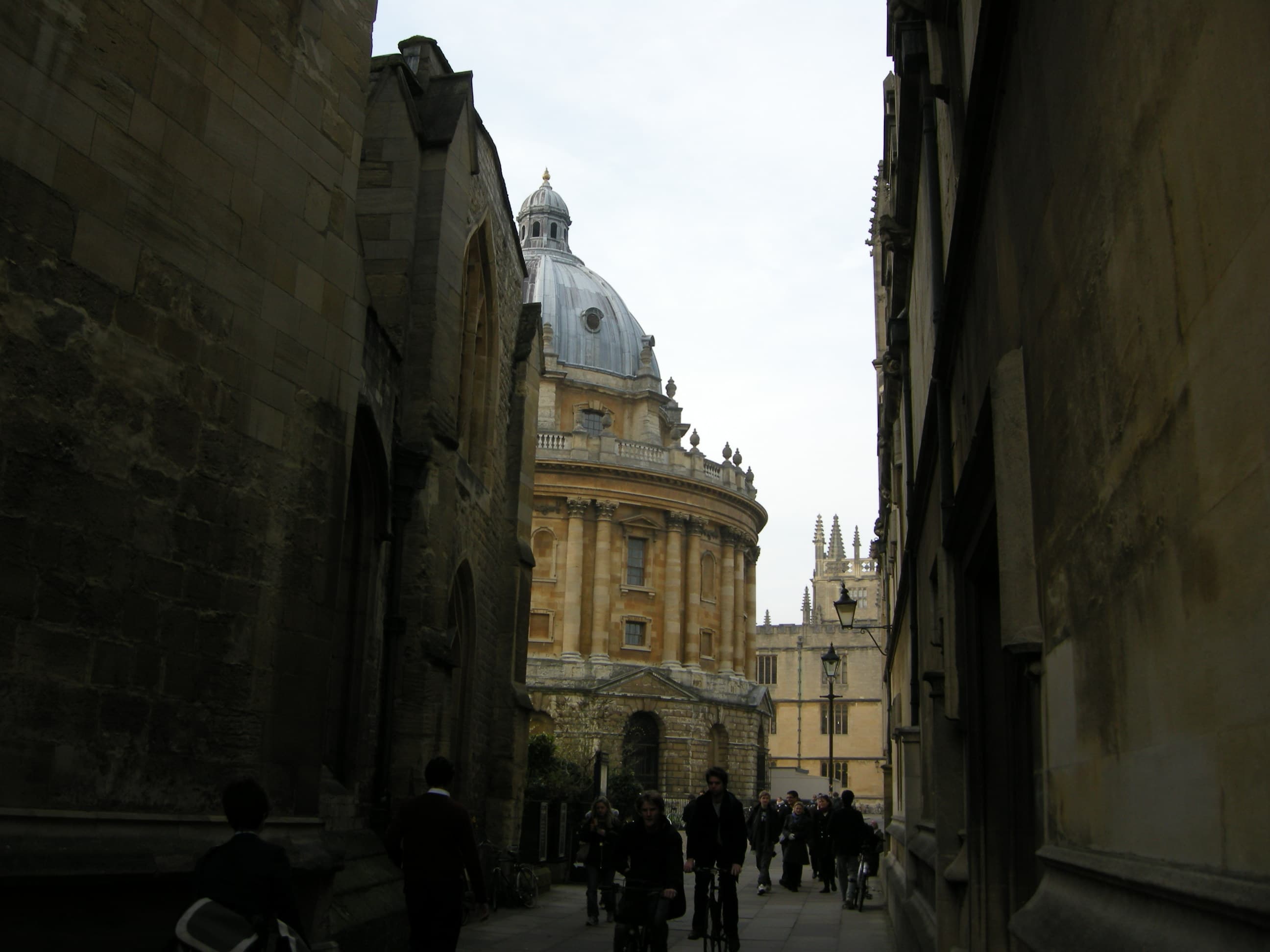
Cambridge college architecture

Free TMUA exam simulator

Practise TMUA in a realistic timed exam environment.

Sit full TMUA Paper 1 and Paper 2 mocks by year, work under timed conditions, submit your answers, check your score, and review mistakes in one place.

Timed exam mode • Instant marking • Score review • Free to use

2016-2023 TMUA sets · Paper 1 + Paper 2 · Free timed mocks

Start here

Start with a full mock, then review what went wrong.

TMUA first

Sit a timed TMUA mock

Choose a year and complete Paper 1 + Paper 2 under exam-style timing.

Start Mock

Get marked and review

Check your answers, score your attempt, and identify the questions to revisit.

View Progress

Use papers as backup

Open the original PDFs, worked answers, and answer keys when you want deeper review.

Browse Papers

Need more stretch practice after TMUA?

Extra practice: STEP & MAT

TMUA study flow

Start quickly, review clearly, and keep what matters.

Use one route for timed papers, worked answers, saved mistakes, and progress instead of stitching the process together yourself.

1

Step 1

Start mock

Go from the homepage to a timed paper in a couple of clicks.

2

Step 2

Review answers

Keep papers, worked answers, and answer keys grouped by year.

3

Step 3

Save mistakes

Return to tricky questions instead of rebuilding your list each time.

4

Step 4

Track progress

Keep score history and review notes in one place when you sign in.

Guest access

Browse first. Sign in when you want progress saved.

Papers, worked answers, score checks, and timed mock starts stay open now. Sign in later for saved scores, review notes, and your mistake book.

What stays open

TMUA papers, worked answers, score checks, and mock starts.

What sign-in adds

Saved progress, review notes, and a mistake book you can return to later.